
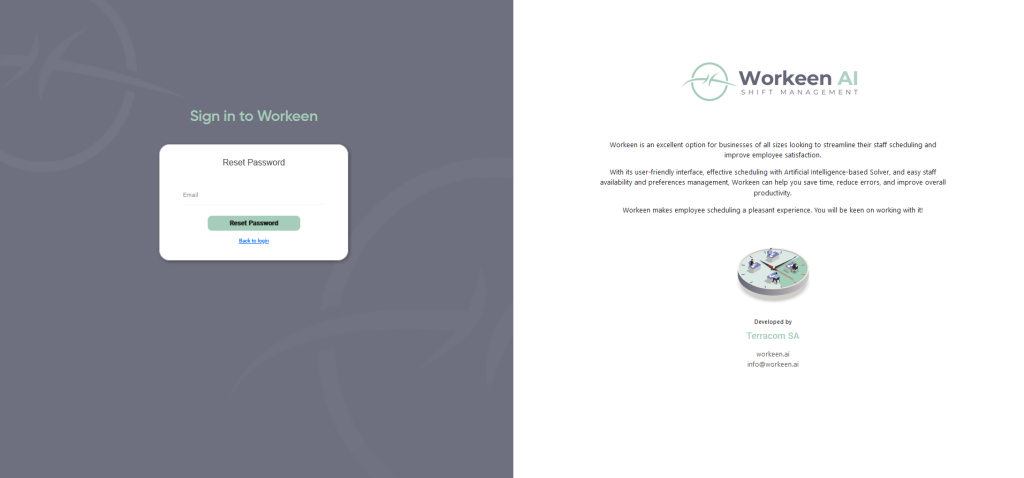
If you’ve forgotten your password, click on the “Forgot password” link to receive an email with instructions on how to resolve the issue.
With workeen, employee scheduling becomes a simple and straightforward process. Get it ready in a few clicks.
If you’ve forgotten your password, click on the “Forgot password” link to receive an email with instructions on how to resolve the issue.


