
To be able to send the schedules and the adjustments to employees via email, navigate to the Divisions section. Select the division you work in and enable the “Notify employees via email” checkbox.
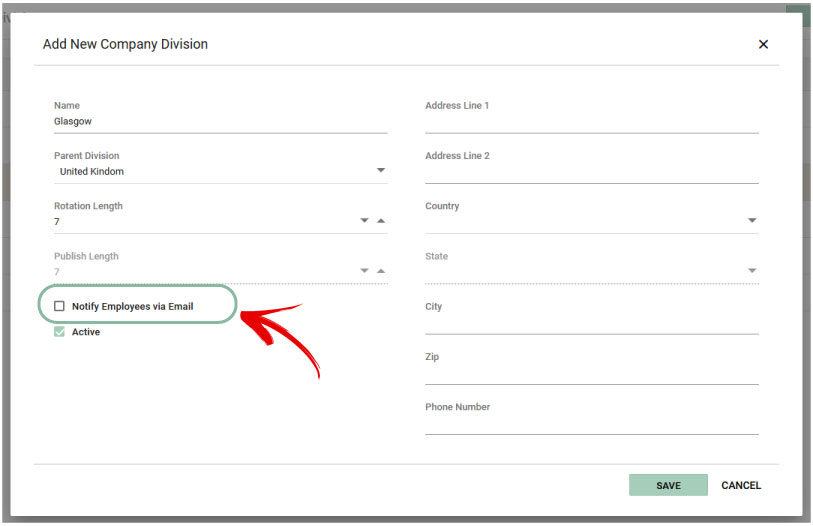
To stop sending emails, simply uncheck the checkbox.


